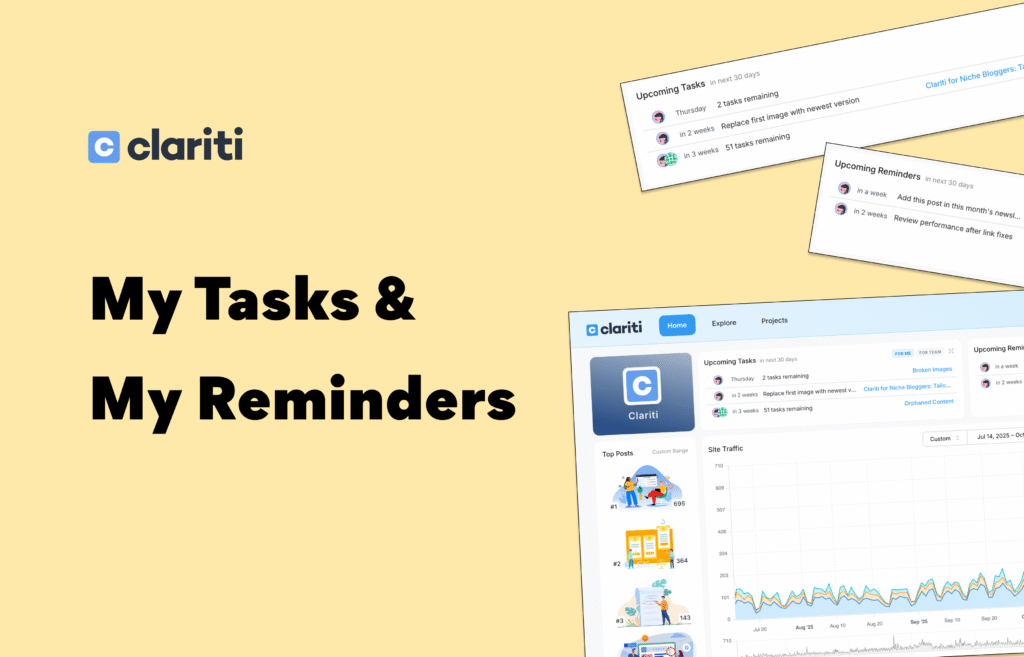
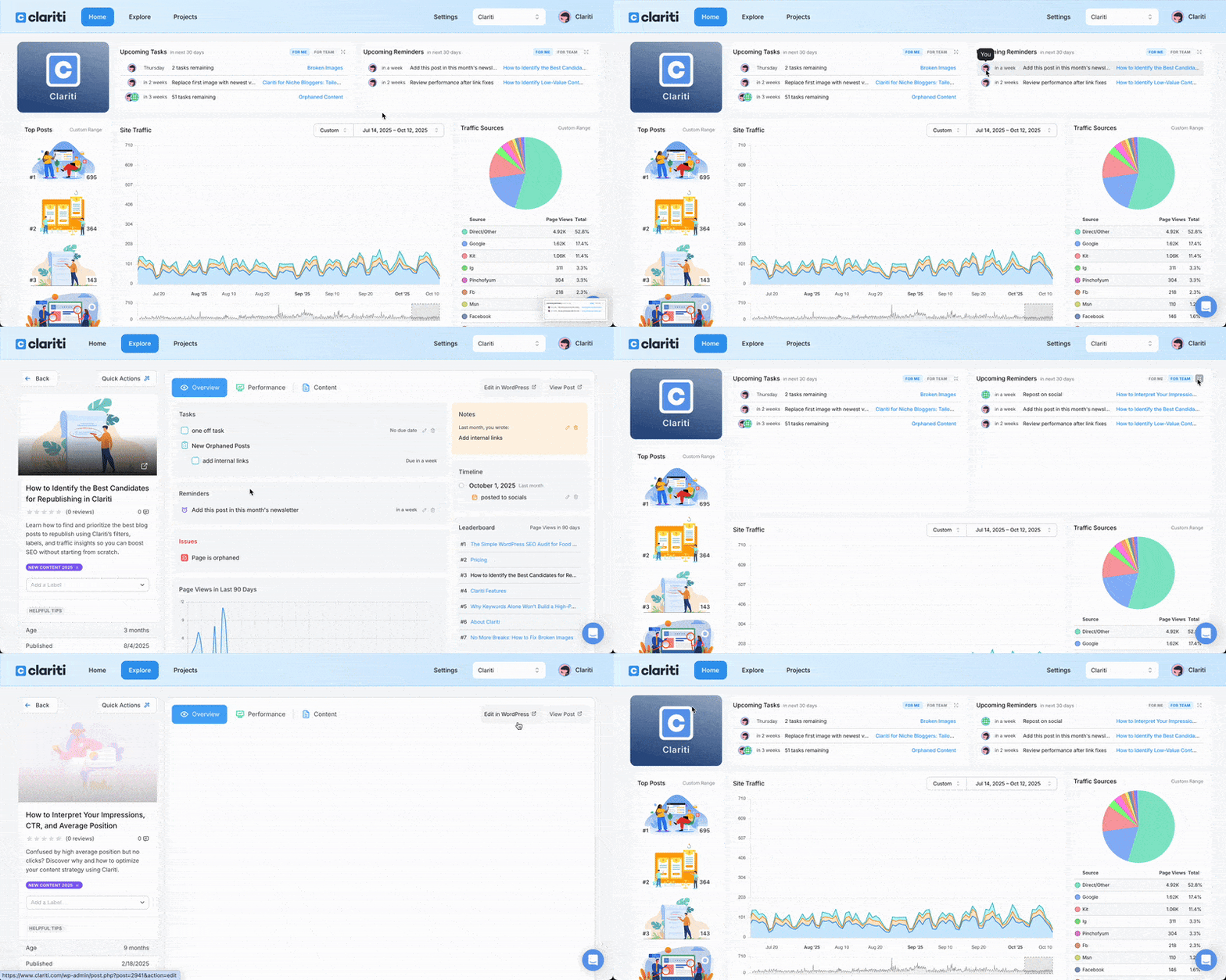
Clariti now helps you see what’s coming due next — right when you log in. Two powerful dashboard panels give you instant clarity on what you should focus on in the next 30 days — so nothing important slips through the cracks.
My Tasks — Know What’s Next
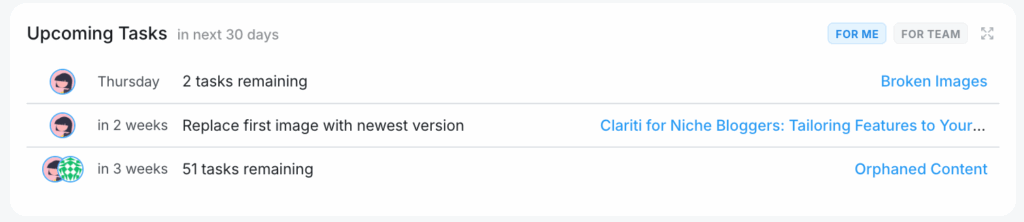
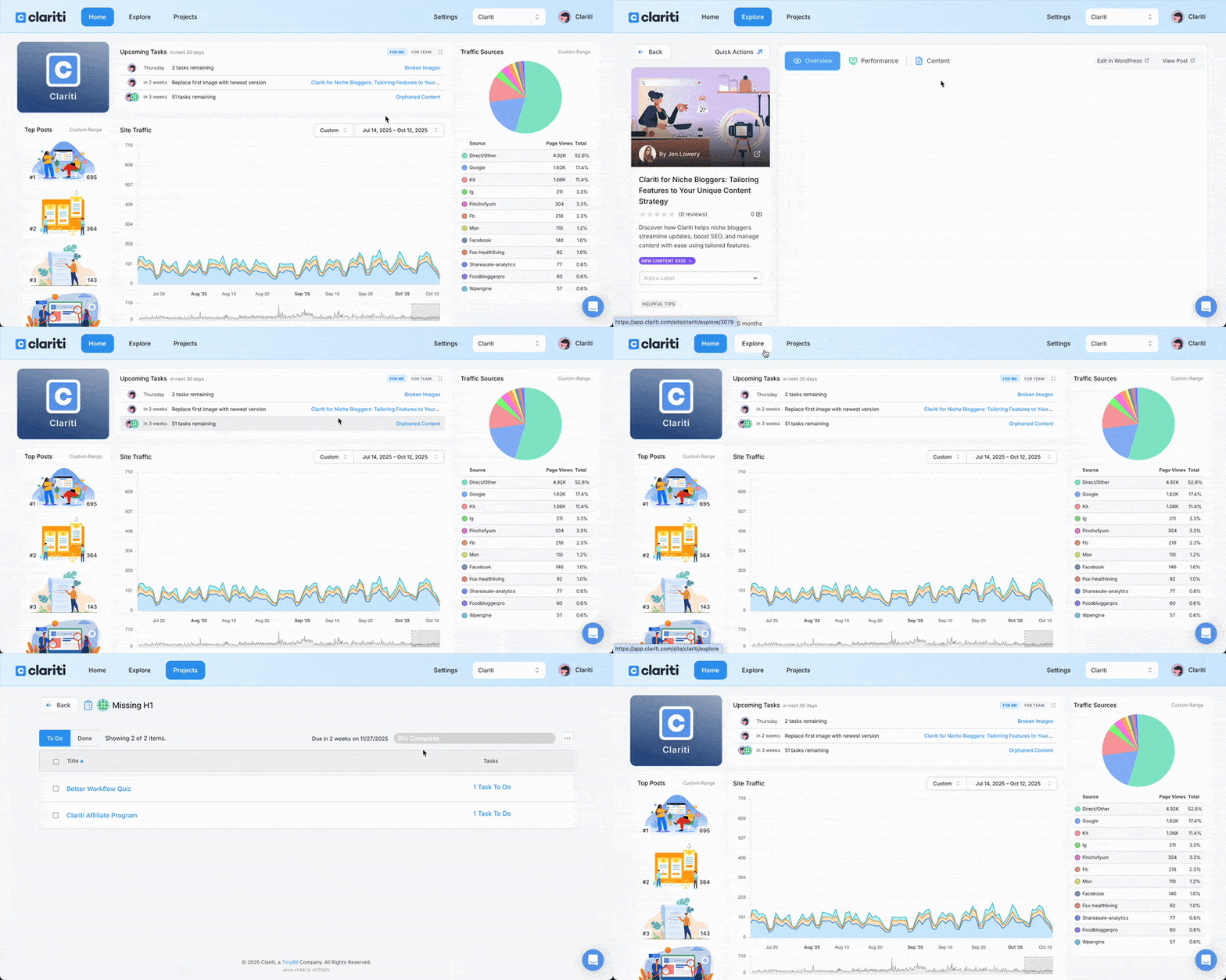
Whether you’re juggling posts to update, fixes to make, or projects to complete, My Tasks brings your work together in one simple dashboard view.
What it does:
- Shows everything due in the next 30 days.
- Collects tasks from:
- Project-based tasks — see project names, remaining task counts, and quick links to open them.
- Individual post tasks — tasks you’ve added directly to posts.
- Displays items even if they’re not assigned to anyone — as long as they have a due date.
Team-ready: See a dedicated For Team tab to track tasks assigned to collaborators, editors, or writers. Quick, expandable, and clickable — jump straight into the work from your dashboard.
My Reminders — Never Forget a Check-in (Premium)
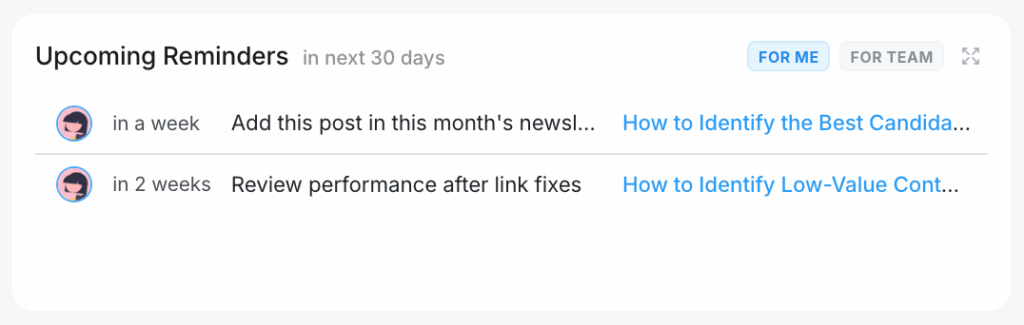
If you’ve ever thought “I should revisit this later,” My Reminders makes it easy — now showing upcoming reminders right on your dashboard.
What it does:
- Lists all reminders due in the next 30 days.
- Helps you stay accountable to recurring reviews, seasonal updates, and long-term optimizations.
- Works hand-in-hand with My Tasks for a complete view of what’s ahead.
Team support: Premium teams see a For Team tab here too — letting you track reminders assigned to collaborators. Expand and click to jump directly into Reminder details.
Why It Matters
Blogging isn’t just publishing — it’s maintenance, optimization, link checks, seasonal refreshes, project work, and more. These dashboard features help you:
- Surface what’s due soon without digging through Projects or posts.
- Reduce mental load by clearly prioritizing work.
- Improve coordination across team members.
- Support long-term content health and workflow continuity.
Availability
- My Tasks: included for all users.
- My Reminders: available to Premium subscribers.
These features are live in your Clariti dashboard — log in to start using them today.