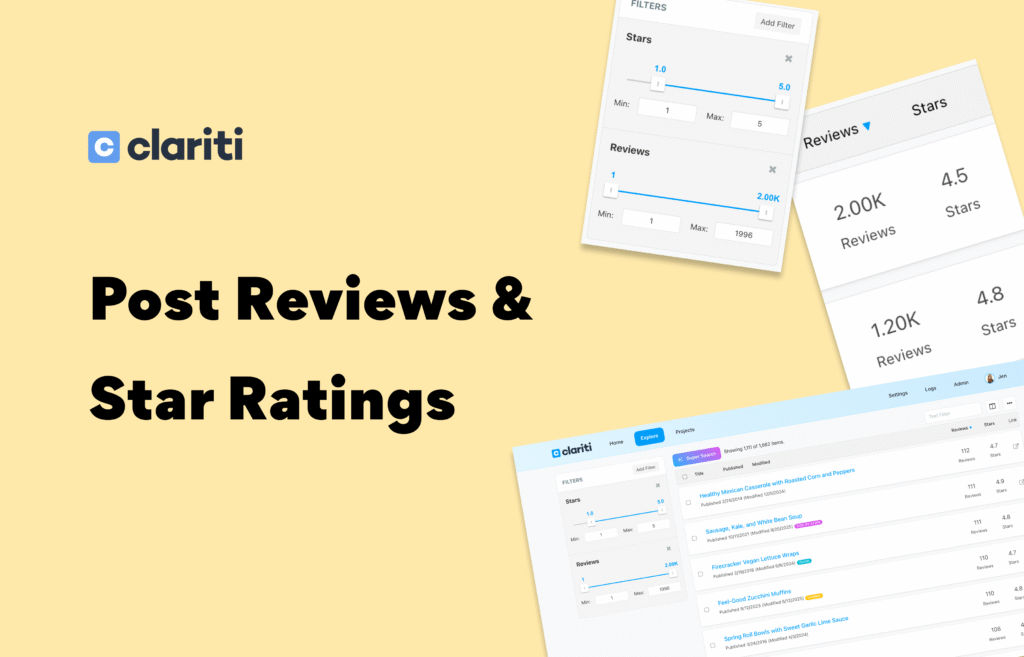
Get more insight into your content’s performance with powerful new filtering and sorting tools for post reviews and star ratings — now available directly in Clariti.
Find the Reviews & Stars Filters
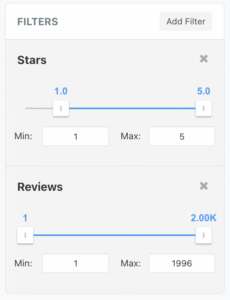
Quickly surface posts based on:
- Number of reviews
- Average star rating
You’ll find these options in the Filters dropdown under Page Metadata. Use one filter at a time or stack both together for more precise results.
Perfect for spotting content with strong engagement or posts that might need review-boosting.
Sort Any Way You Want
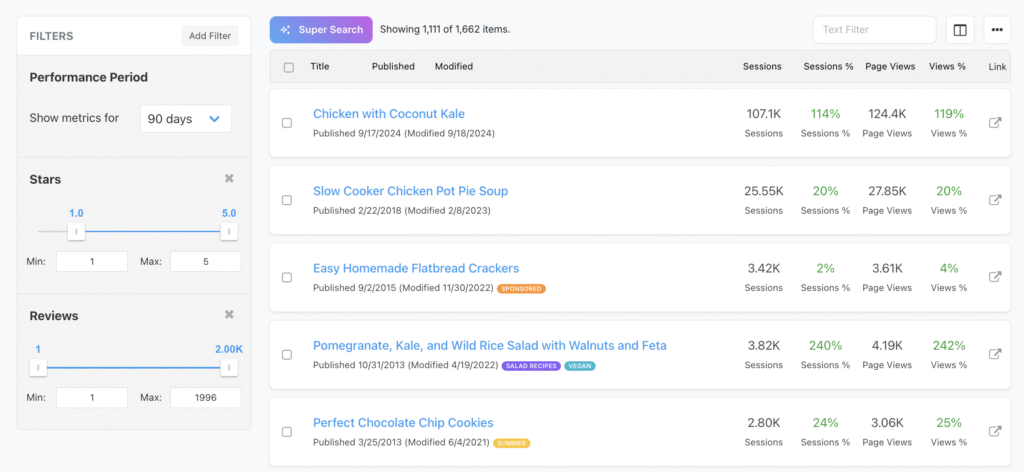
Once you’ve filtered your posts, you’re free to reorder the list using any metric from the Columns menu. Combine review-based filters with other data — like traffic, revenue, or performance — to uncover new insights.
Analyze your content from every angle without exporting data or toggling between tools.
See Exact Review & Star Counts
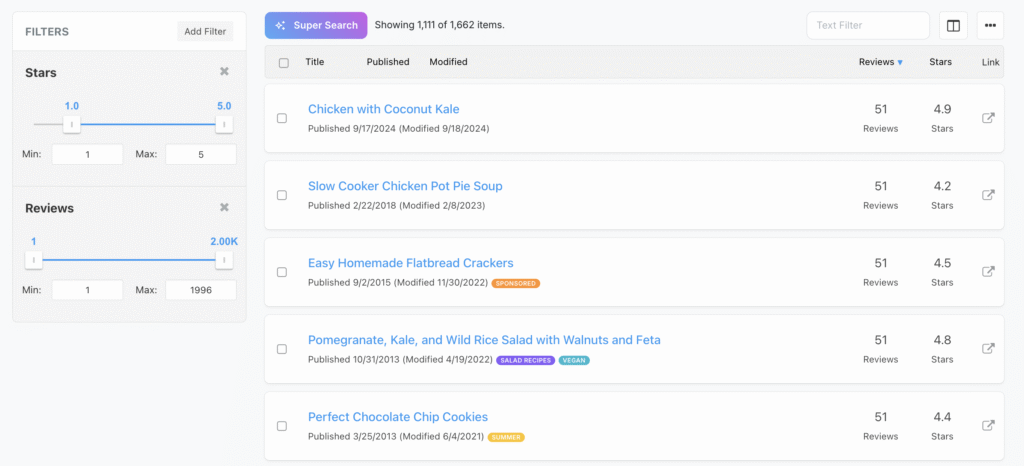
Want to view how many reviews and stars each post has?
- Open the Columns dropdown
- Select Reviews and Stars
Now you’ll see exact counts alongside your other post metrics — great for at-a-glance comparison and tracking progress over time.
Why This Matters
Reviews and star ratings are important signals of content quality and user trust. By bringing them into your Clariti workflows you can:
- Prioritize high-impact content
- Identify posts that need review generation
- Track how ratings evolve over time
These new filter and sort controls make it easier than ever to understand what’s working — and what might need attention — right from your Clariti dashboard.