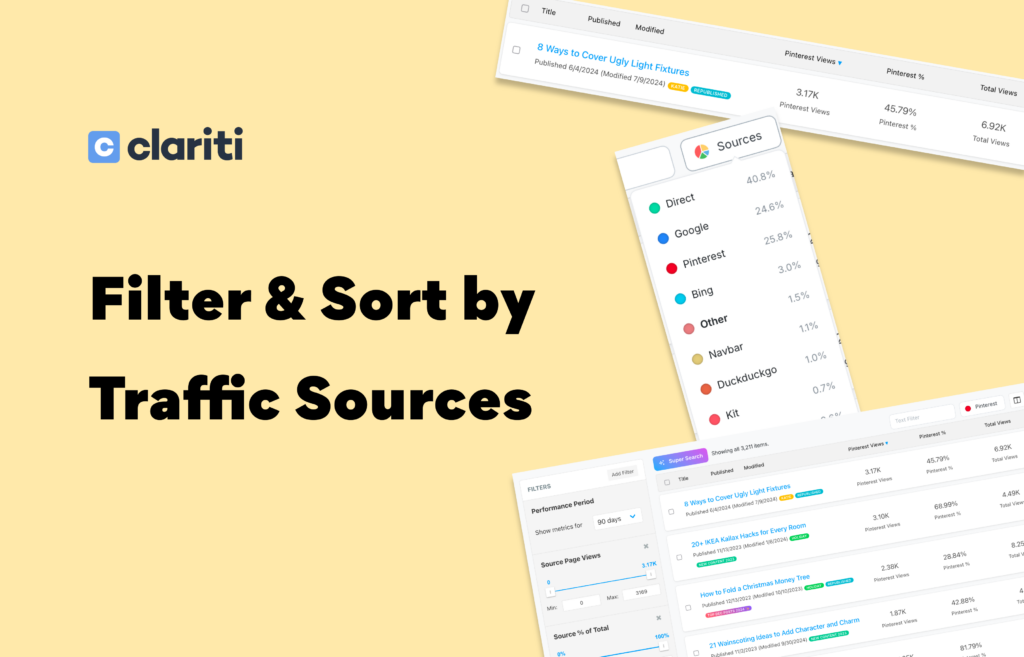
Select a traffic source, click a column header, and instantly rank every post on your site by how well that source is performing for it. No exports, no spreadsheets — just answers.
You know which sources are driving traffic to your site. But which posts is each source actually sending people to? And which posts could be getting more from a specific source but aren’t? Clariti’s traffic source filtering gives you those answers in seconds — and makes them sortable, filterable, and actionable right inside your content library.
One Click to Rank Your Entire Library by Any Source
Choose any of your top 10 traffic sources from the source selector on your Explore page.
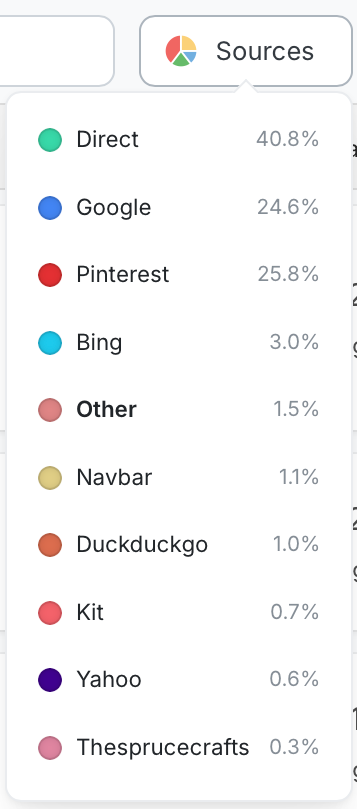
Clariti immediately populates three columns for every post in your library:
- Source page views — how many views that source sent to each post
- Source % of total — what share of that post’s overall traffic comes from this source
- Total views — full context across all sources
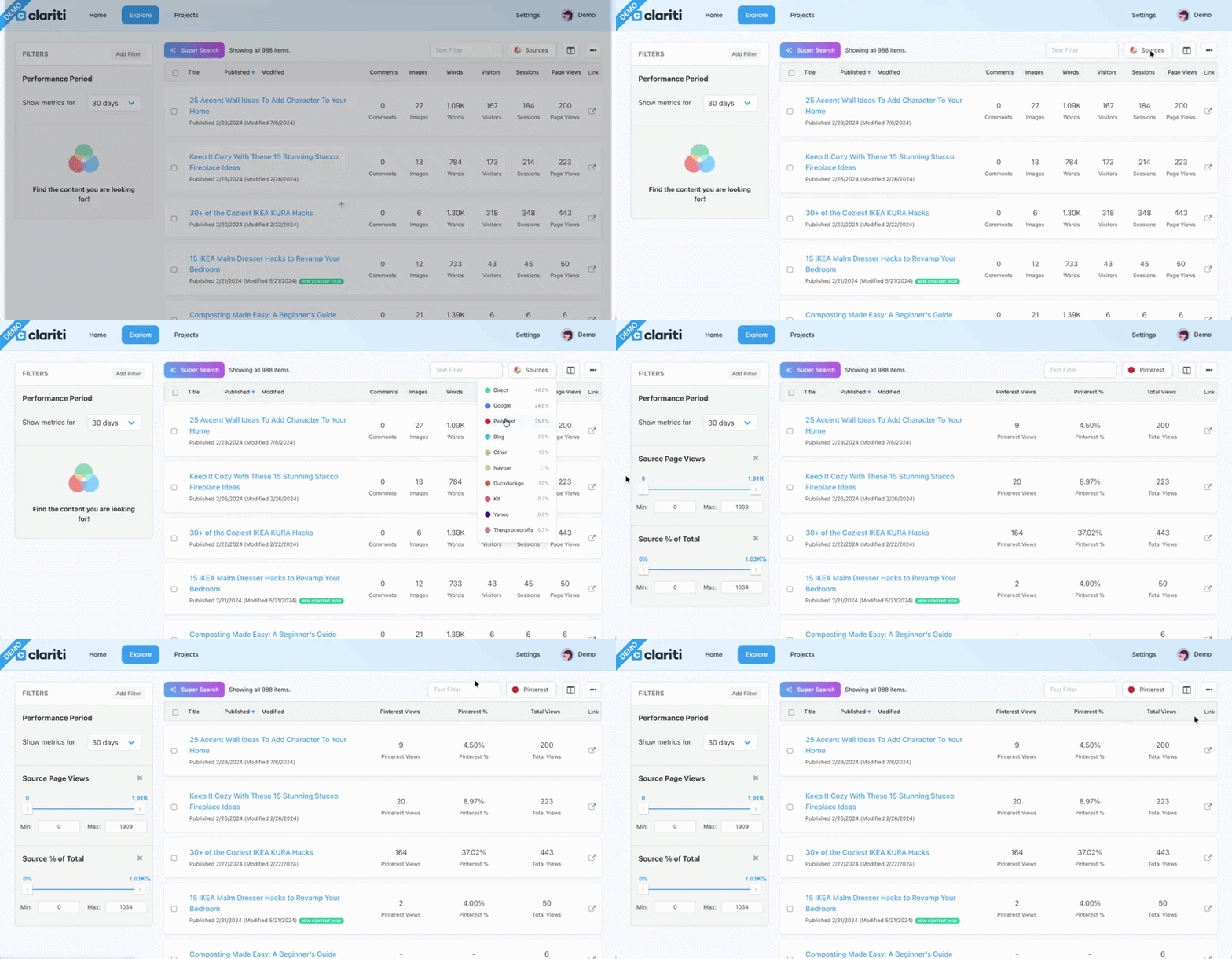
Then click any column header to sort. Highest views from that source at the top — those are your strongest performers. Lowest percentage at the top — those are your untapped opportunities. It’s the same content library you’ve always had, finally ranked by what matters to your strategy right now.
Filters That Set Themselves
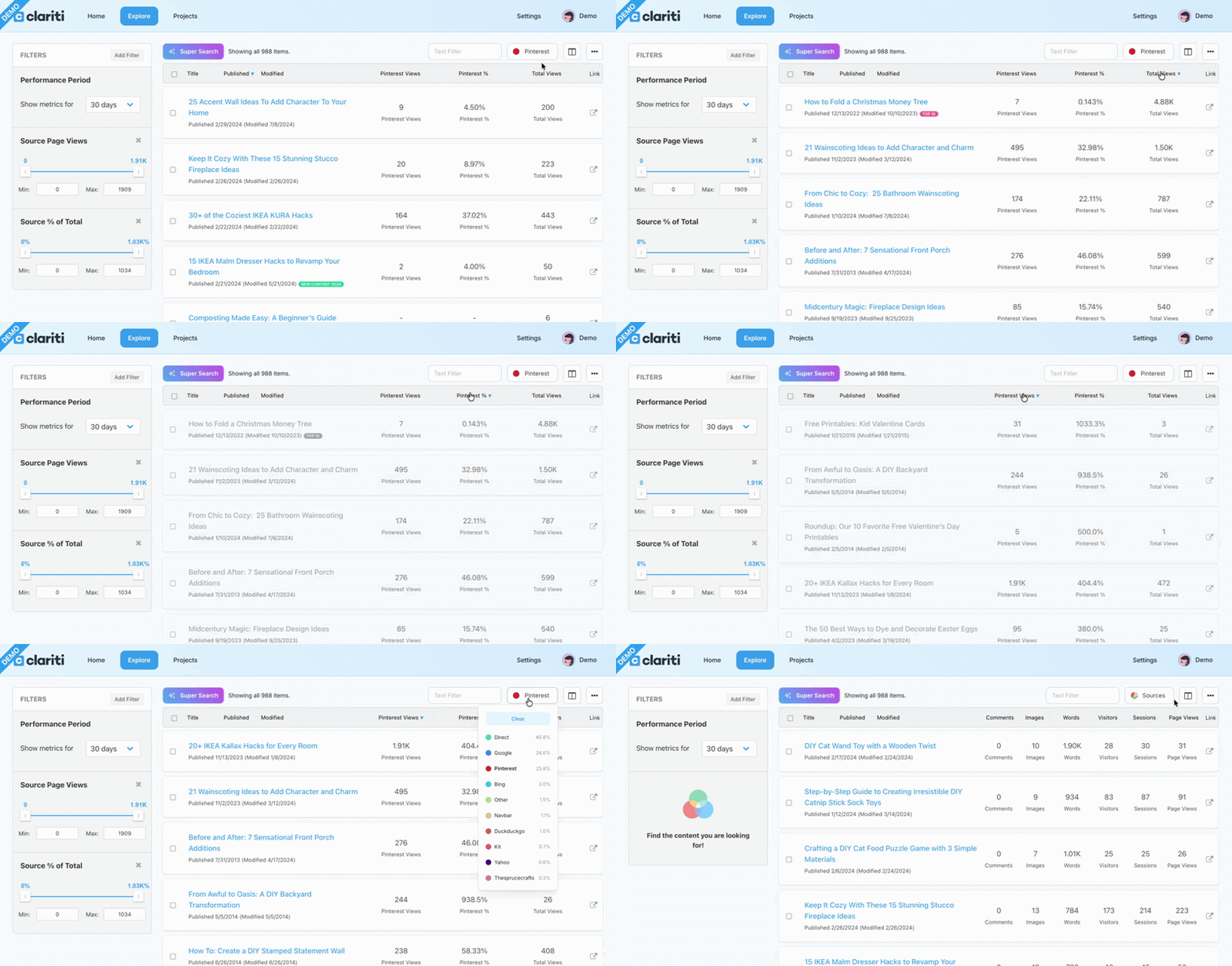
When you select a source, Clariti automatically applies filters for source page views and source percentage of total on the left panel. Use them as-is for a broad view, or tighten the ranges to zero in on exactly the posts you’re looking for. Stack on additional filters, remove the defaults, or combine with other Clariti filters — the view is fully yours to shape.
Your Top 10 Sources, Always at Hand
Clariti surfaces your top 10 traffic sources from the past 12 months in the source selector. This list stays consistent as you explore different date ranges so it loads quickly and gives you a reliable reference for your most important traffic drivers.
Clariti Tip!
Try sorting by source percentage ascending for any source. Posts that land near the top perform well overall but are getting almost nothing from that source — which often means there’s untapped potential waiting to be acted on.