When you’re managing a growing content library, reviews and star ratings can tell you a lot — what’s performing well, what needs attention, and where opportunities might be hiding.
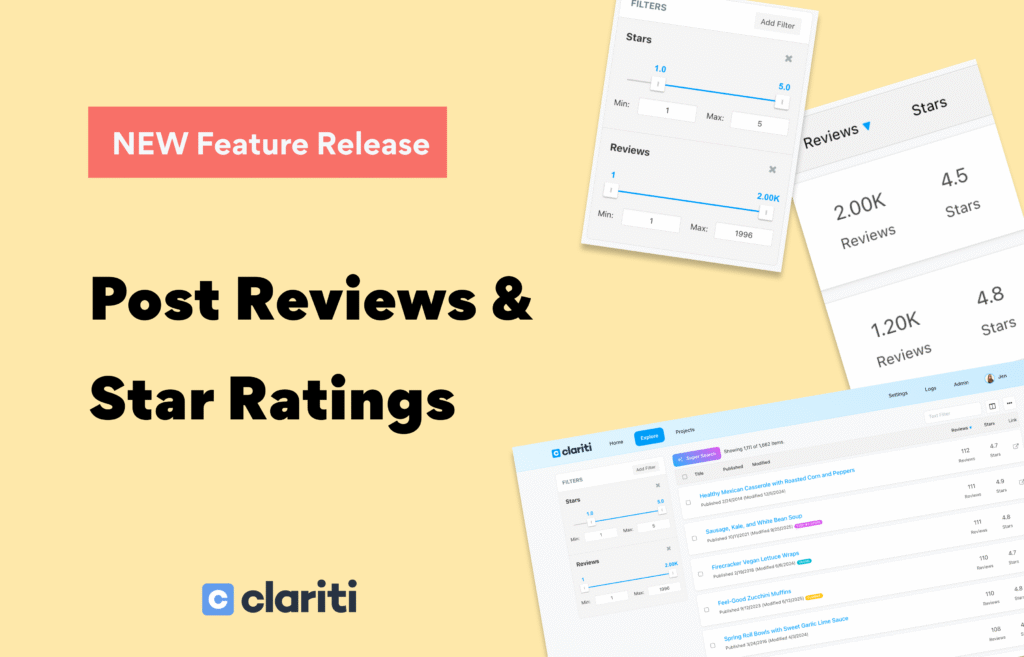
That’s why we’ve added new filtering and sorting options for reviews and star ratings, giving you an easier way to analyze and prioritize your posts directly inside Clariti.
Filter Posts by Reviews and Star Ratings
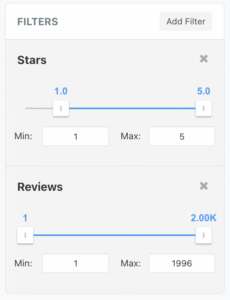
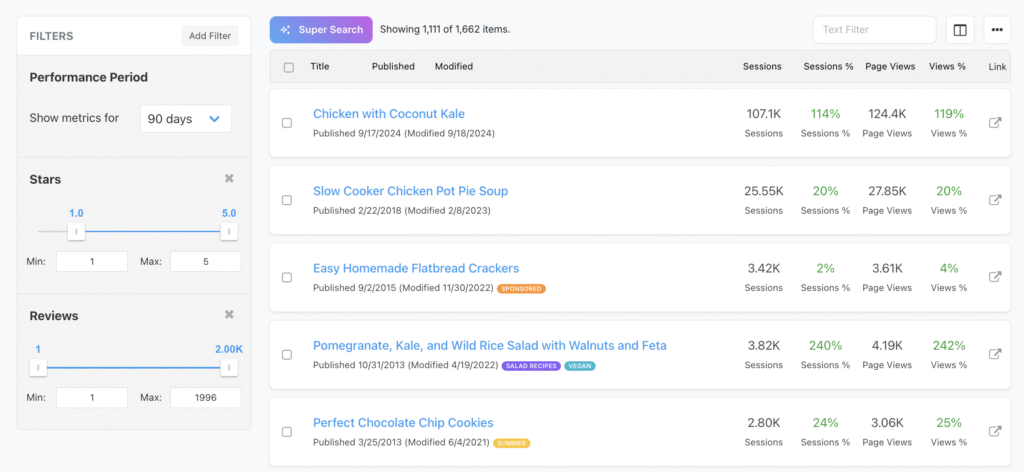
You can now filter your posts based on review count and star ratings, making it simple to surface content that meets specific criteria.
To find these new options:
- Open the Filters dropdown
- Look under the Page Metadata section
- Select Reviews and/or Stars
You can:
- Use just one filter (reviews or stars)
- Or stack both filters together for more precise views
This makes it easy to answer questions like:
- Which posts have reviews but low star ratings?
- Which posts have high star ratings but very few reviews?
- Which posts might need review optimization?
Sort Filtered Posts by Any Metric
Once you’ve filtered your posts, you’re not locked into a single view.
You can:
- Sort the filtered results using any metric available in the Columns dropdown
- Combine reviews and star filters with traffic or other performance data
- Quickly spot patterns and outliers
This gives you flexibility to analyze your content from multiple angles — without exporting data or switching tools.
View Exact Review & Star Counts in Columns
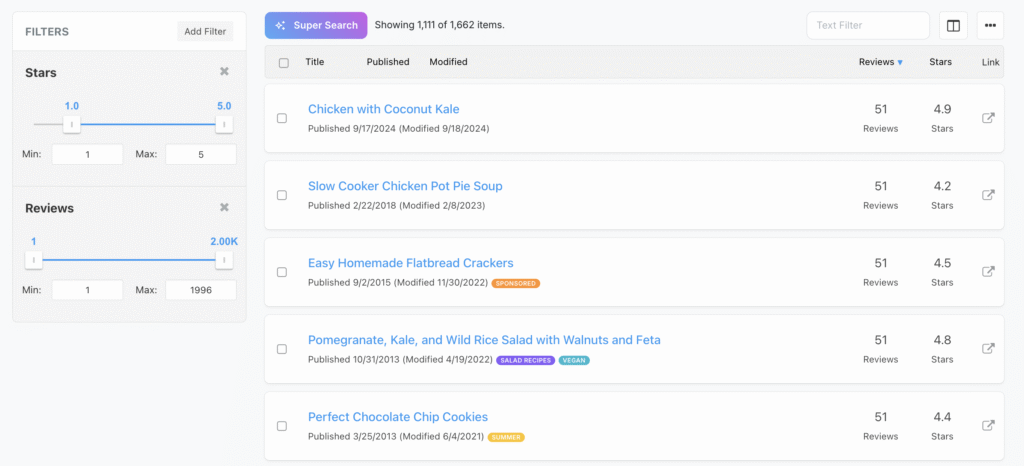
Want to see the exact number of reviews and stars for each post?
You can do that directly in your post list:
- Open the Columns dropdown
- Select Reviews and Stars
- Instantly view both values for every post
This makes it easy to:
- Compare posts at a glance
- Identify posts that may benefit from review generation
- Track progress as review counts grow over time
Why This Matters
Reviews and star ratings play an important role in:
- User trust
- Click-through rates
- Content prioritization
By bringing this data into Clariti’s filtering, sorting, and column views, you can make faster, more informed decisions about where to focus your efforts — all from one dashboard.
These new filters and columns are available now, so you can start exploring your content from a whole new perspective today.
As always, let us know what you’d love to see next 💙

About the Author
Jen is the Associate General Manager at Clariti with a soft spot for great tech and good snacks. She has a Master’s degree in Human-Computer Interaction (which is a fancy way of saying she’s really into how people and tech get along). When she’s not working, you can usually find her hanging out with her family or baking something she’ll insist is “just a little treat.”